Want to build your own 24/7 FAQ knowledge base?
LibraryH3lp subscriptions
include unlimited independent internal or public-facing
knowledge bases.
Search the LibraryH3lp Knowledge Base
How do I enable desktop notifications for the Tickets module?
229 views | Last updated on Jul 16, 2026
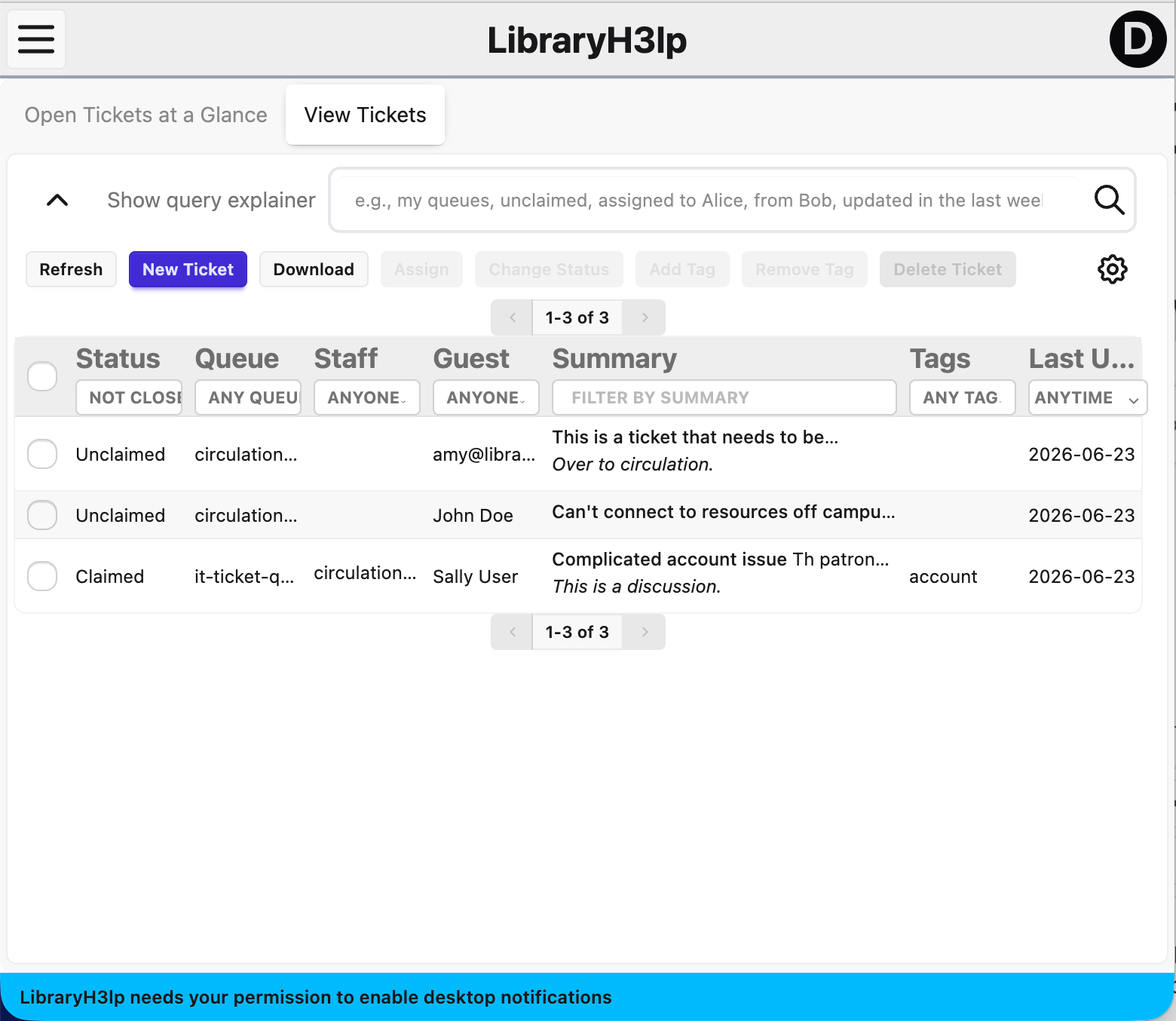
When you visit the tickets page (US, CA, EU, SG), you'll see a blue banner across the bottom of the screen if visual notifications are not enabled. If you've previously enabled desktop notifications for LibraryH3lp (like via the webclient), then you won't see a banner and are good to go.
If displayed, the blue banner reads, "LibraryH3lp needs your permission to enable desktop notifications".
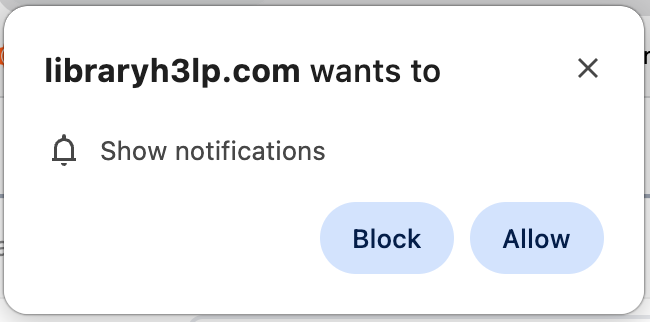
Once clicked, your browser will ask you if you wish to show notifications. Click "Allow".
FAQ URL:
More Help
Search By Topic
Stay Connected
