Want to build your own 24/7 FAQ knowledge base?
LibraryH3lp subscriptions
include unlimited independent internal or public-facing
knowledge bases.
Search the LibraryH3lp Knowledge Base
How do I embed a Guest Form (to collect data outside a chat) on a web page?
Once you've created a Guest Form, you can embed it directly into your website.
- You can find Guest Forms in either:
- Select an existing form or create a new one.
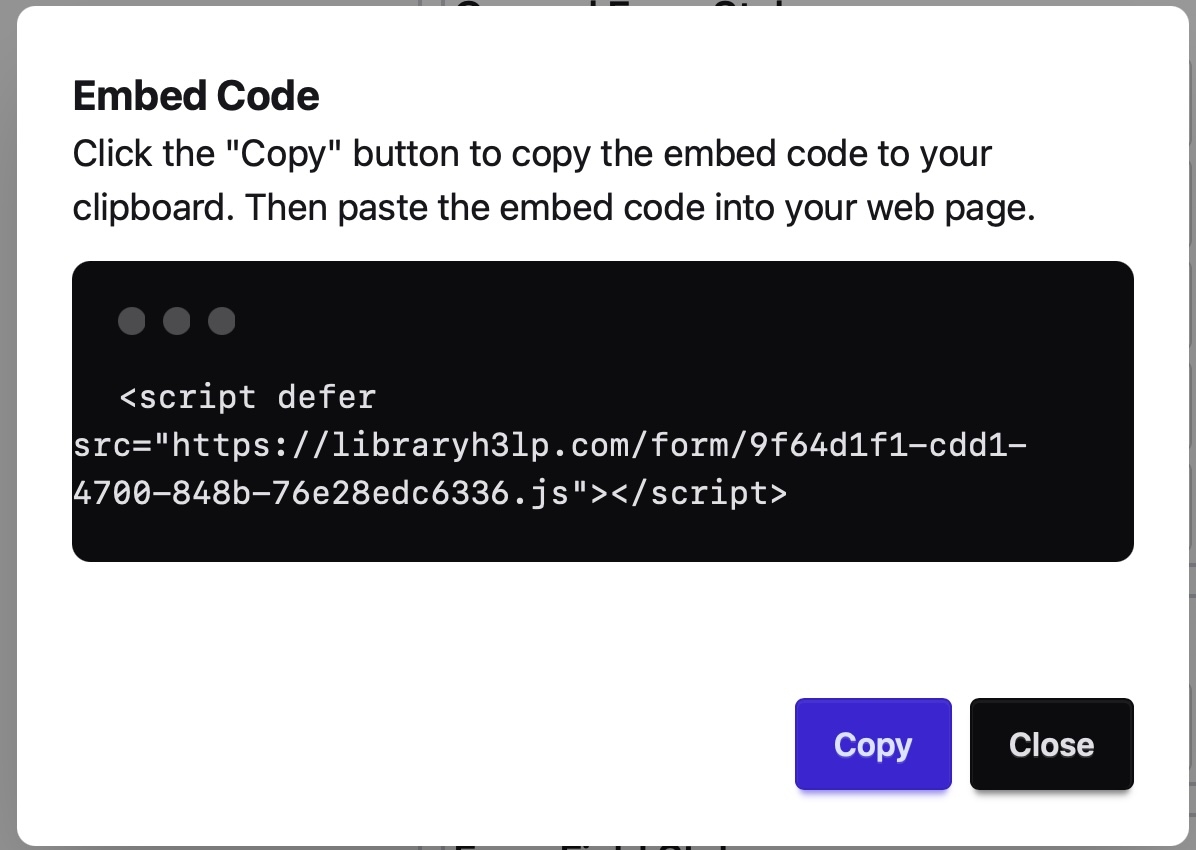
- Click Embed in the upper-right corner of the form editor.
- Copy the generated embed code.
- Paste the embed code into the web page where you want the form to appear.
After the embed code for the Guest Form has been added to your website, guests can:
- Create new tickets if your queue is set up to receive tickets.
- Send emails if your queue is set up to receive 3mail or if you have an organizational email address set for your queue.
Pro Tip! Guest Form embeds work similarly to LibraryH3lp Chat snippet embeds. Simply copy the generated code and paste it into your page's HTML. If you can't include 3rd party JavaScript on your website, there's an option to embed as a link.
FAQ URL:
More Help
Search By Topic
Stay Connected
